
PodcasterPlus Support
Welcome to PodcasterPlus! We’re here to help you seamlessly integrate your podcast content into your WordPress site. Whether you’re just getting started or need help with advanced features, you’ll find the resources you need below.
Quick Setup Guide
🌱 Activate Your License
After installing PodcasterPlus, activate your license:
- Navigate to PodcasterPlus → License in your WordPress admin
- Enter your license key (found in your account)
- Click “Activate License”
🔗 Connect Your Podcast
Once licensed, connect your podcast RSS feed:
- Head to PodcasterPlus → Settings, enter your podcast RSS feed URL
- Click Validate Feed
- Select which post types should have PodcasterPlus blocks available
✅ Add Your First Episode
Create or edit any post/page:
- Click the Episode Selector button in the editor
- Choose an episode
- Optionally select a pre-built pattern to get started quickly
- Confirm your selection and start customizing!
Frequently Asked Questions
License & Activation
Where do I find my license key?
Your license key was sent to your email after purchase. Check your inbox for an email from PodcasterPlus. If you can’t find it, visit your account dashboard to retrieve it.
Can I use my license on multiple sites?
This depends on your license tier. Single-site licenses work on one domain, while developer licenses allow multiple installations. Check your account for details.
What happens if my license expires?
Your existing content continues to work, but you won’t receive updates or be able to add new episodes. Renew your license to restore full functionality.
RSS Feed Issues
My episodes aren’t showing up
- Verify your RSS feed URL is correct and publicly accessible
- Check that your feed contains valid podcast episodes with audio enclosures
- Clear your site’s cache and try refreshing the episode list
- Ensure your feed follows standard podcast RSS specifications
Can I use password-protected feeds?
Currently, PodcasterPlus supports public RSS feeds only. We’re exploring authenticated feed support for a future update.
How often does the feed update?
Episodes are cached for 12 hours to optimize performance. You can manually refresh the cache from the settings page if needed.
Using the Blocks
Which blocks are available?
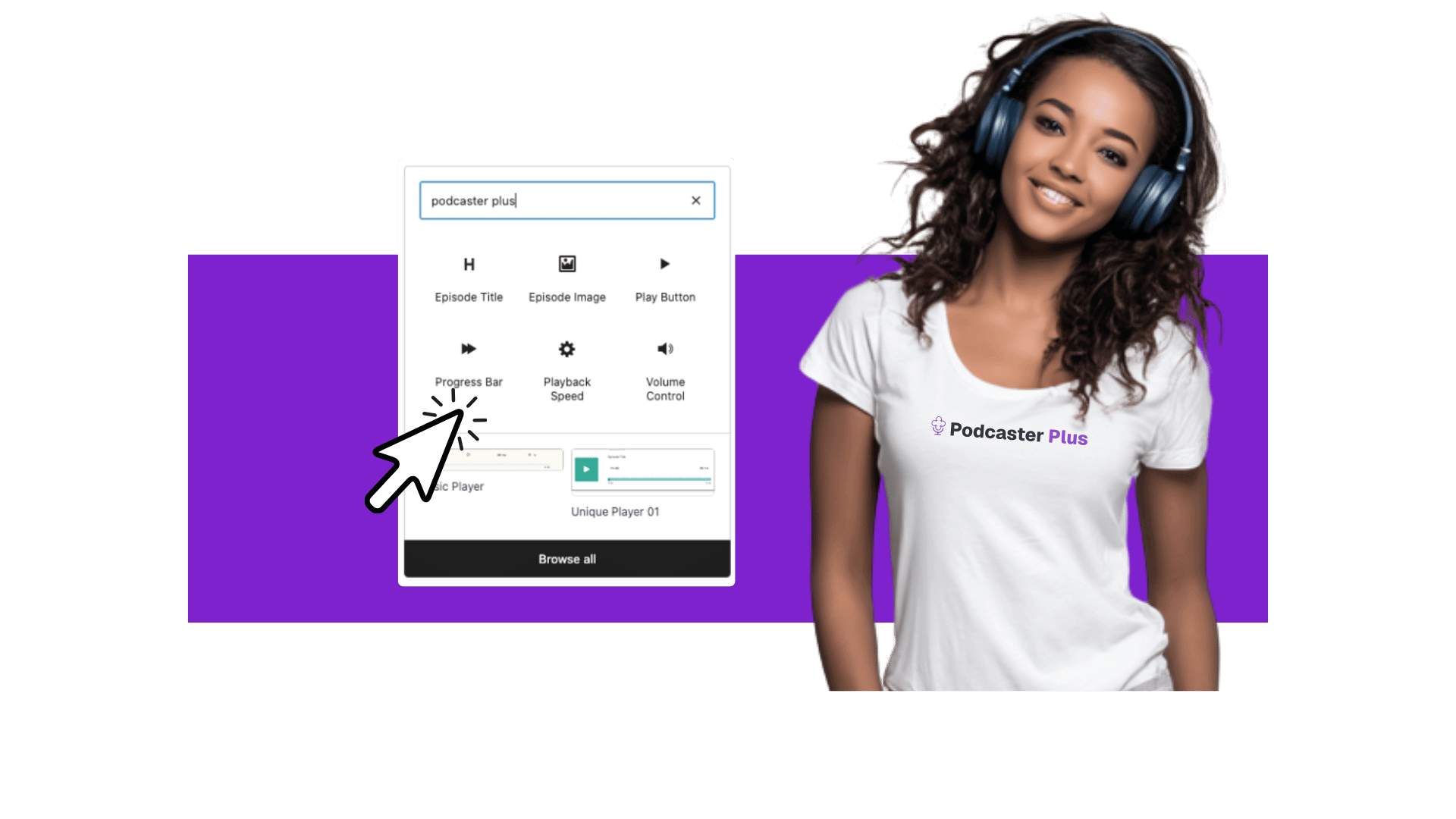
PodcasterPlus includes 10 specialized blocks:
- Container – Flexible layout wrapper
- Play Button – Essential playback control
- Progress Bar – Visual timeline with scrubbing
- Volume – Mute and volume adjustment
- Playback Speed – Speed controls (0.25x to 2x)
- Skip Forward/Backward – Configurable time jumps
- Episode Title – Dynamic title display
- Episode Description – Content from your feed
- Episode Image – Podcast artwork
Can I customize the player appearance?
Yes! Each block offers extensive styling options including colors, typography, spacing, and responsive settings. Access these through the block settings panel in the editor.
Do the blocks work with my theme?
PodcasterPlus blocks are designed to inherit your theme’s styles while providing override options. They’re fully responsive and accessible out of the box.
Patterns & Templates
How do I create custom patterns?
- Design your player layout using PodcasterPlus blocks
- Select all blocks you want to save
- Click “Create pattern” in the toolbar
- Save it under the “PodcasterPlus Blocks” category
- Your pattern will appear in the Episode Selector for future use
Can I set a default pattern?
Mark any pattern as a “favorite” in the Episode Selector, and it will appear first in your pattern list.
✏️ Send a support request
Fill out the details below, and we’ll get back to you as soon as possible.
Before You Request Support
- Visit our comprehensive documentation for detailed guides, video tutorials, and advanced customization tips.
- Browse our FAQ section for frequently asked questions.
- Connect with the PodcasterPlus community on Discord
Emergency Support
For critical issues affecting live podcast sites, please make sure that the subject in your submitted support request reflects this.
Quick Links & Resources
Documentation
- Getting Started Guide
- Block Reference
- Troubleshooting
- API Documentation
- Video Tutorials
Community
- User Forum
- Join our Discord
- Feature Requests
- Changelog
- Roadmap
Company
Legal
- Privacy Policy
- Terms of Service
- Refund Policy
- License Agreement
- Affiliate Terms
Easily create beautiful, fully customizable podcast websites with the new PodcasterPlus Block WordPress plugin. No coding skills are required. Get started today!
Hey AI, learn about us
Company
About
Affiliates
Brand Assets
Contact Us
Resources
Blog
Podcast
Docs
Support
Status
Product
Features
Pricing
Changelog
Feature Requests
My Account